How AI Image Detection Works: The Science Behind Spotting Synthetic Photos
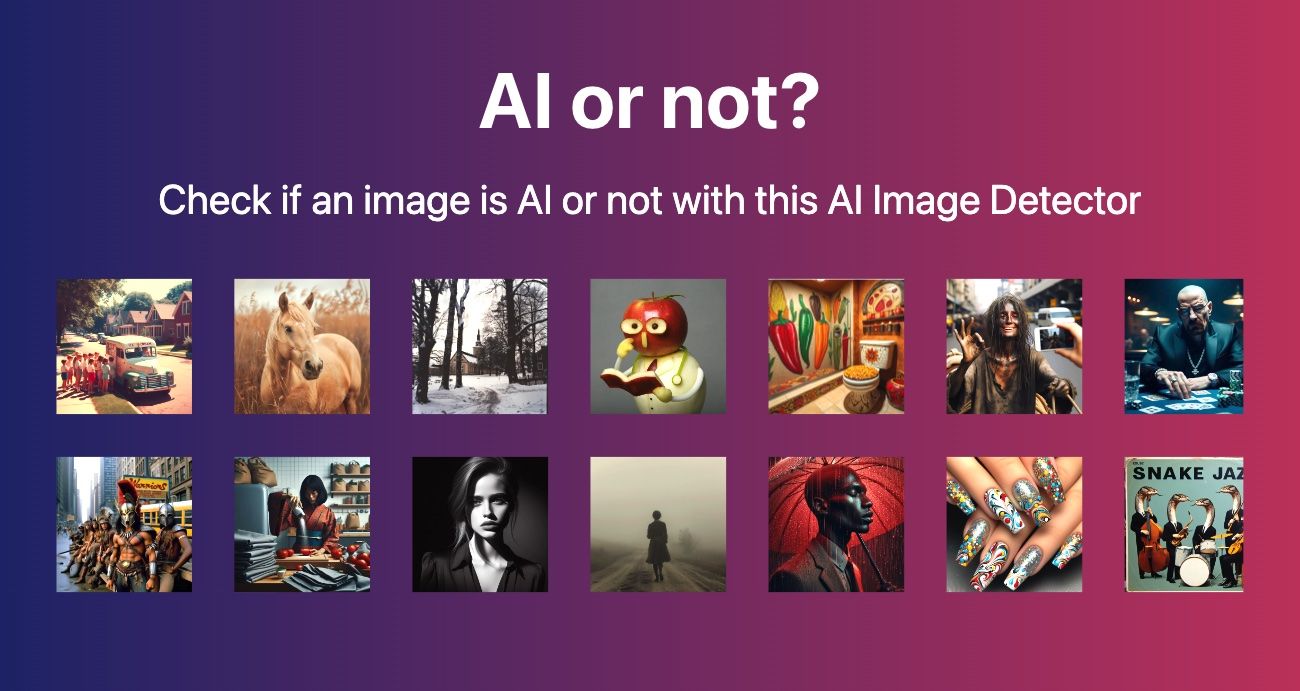
When you upload an image to AIorNot and get back "AI-generated · 93%" in three seconds, what actually happened? What did the system look at? How does it know?
The short answer: AI image detection works by finding the statistical fingerprints that AI generators leave in their output — patterns invisible to the human eye but glaringly obvious to a trained neural network analyzing pixel data at the frequency level.
The long answer involves diffusion models, GAN architectures, spectral analysis, and an ongoing arms race between generators and detectors. This guide explains the science in practical terms — enough to understand why detection works, why it sometimes fails, and what the technology looks like under the hood.
The Fundamental Principle: Generators Leave Traces
Every AI image generator — whether it uses a diffusion model (DALL·E, Midjourney, Stable Diffusion) or a GAN architecture (older StyleGAN models) — creates images through a process that differs fundamentally from how a camera captures a photograph.
A camera records light hitting a sensor. The resulting image contains:
- Natural sensor noise (photon variance, thermal noise)
- Optical artifacts (lens distortion, chromatic aberration, depth-of-field blur)
- Metadata (EXIF data with camera model, settings, timestamp)
- Physical consistency (shadows follow light sources, reflections obey geometry, textures have natural variation at multiple scales)
An AI generator predicts pixel values through mathematical operations. The resulting image contains:
- Model-specific noise distributions (different from camera sensor noise)
- Generation artifacts (inconsistent geometry, impossible textures, garbled text)
- No camera metadata (or fabricated metadata)
- Statistical patterns from the training data (the model's "memory" of what images look like)
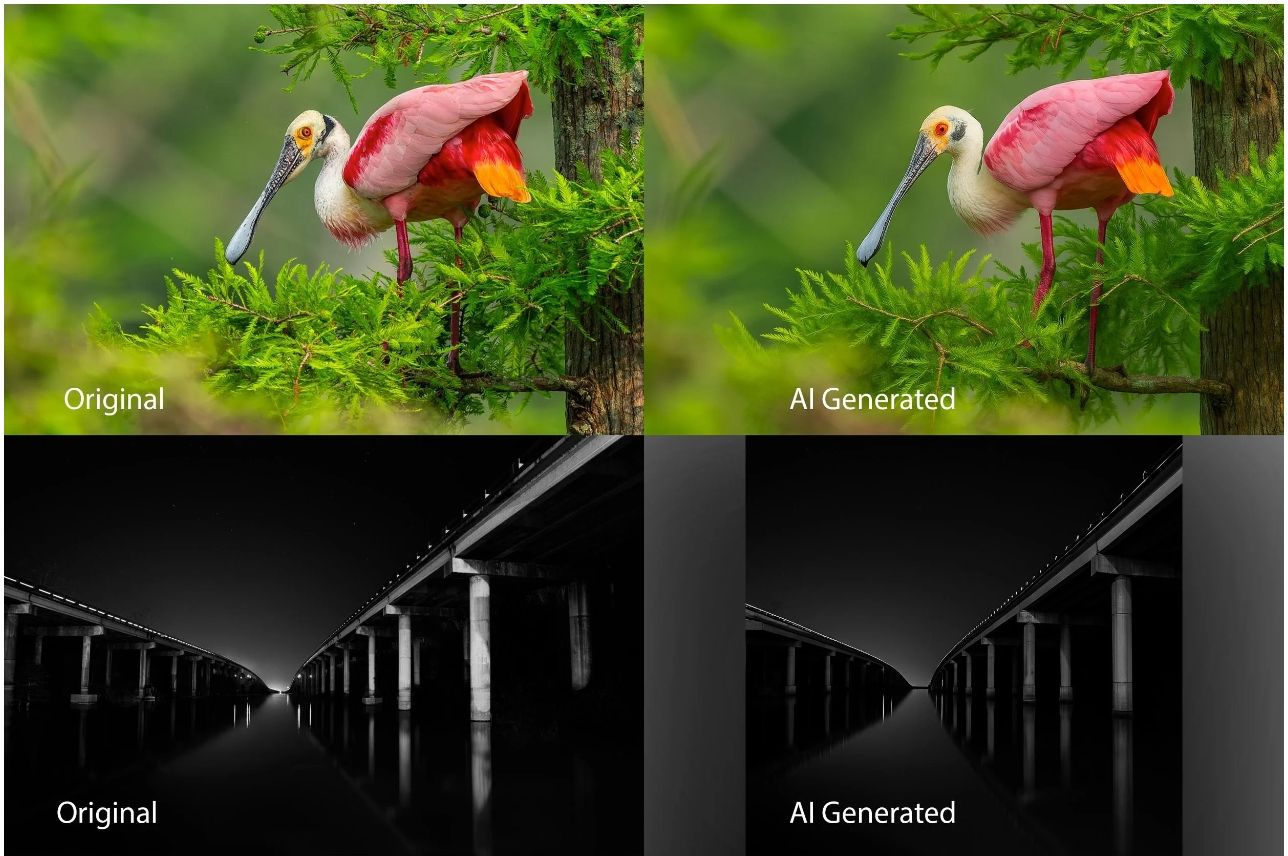
Detection exploits these differences. The key insight: even when an AI image looks perfect to a human, it contains statistical irregularities at the pixel level that a trained classifier can detect.
How Different AI Generators Leave Different Fingerprints
Diffusion Models (DALL·E, Midjourney, Stable Diffusion)
Diffusion models generate images by starting with random noise and gradually "denoising" it into a coherent image. This process leaves specific traces:
Noise distribution. The denoising process produces noise patterns that differ from camera sensor noise. While camera noise follows a Poisson-Gaussian distribution (determined by physics), diffusion model noise follows the model's learned distribution (determined by training data). At the frequency level, these distributions are measurably different.
High-frequency artifacts. Diffusion models tend to produce images that are "too clean" in certain frequency bands. Real photographs have natural high-frequency variation (from sensor noise, texture detail, and optical resolution limits). Diffusion models either over-generate or under-generate these frequencies, creating a spectral signature.
Texture synthesis patterns. Diffusion models generate textures by learning statistical patterns from training data. These synthesized textures lack the multi-scale variation of real-world textures. A real brick wall has variation at every scale — from the overall pattern to individual brick surfaces to microscopic texture. A diffusion model's brick wall has variation at some scales but uniformity at others.
GAN-Based Generators (StyleGAN, etc.)
GANs use a generator-discriminator architecture where the generator creates images and the discriminator tries to detect them. This adversarial training produces different artifacts:
Mode collapse patterns. GANs sometimes "collapse" to producing variations of a limited set of outputs. This manifests as repeated patterns — similar faces, identical background elements, or texture tiling.
Color distribution anomalies. GANs often produce images with subtly different color distributions than real photographs. The color histogram of a GAN image may show unnatural clustering or gaps that a real camera wouldn't produce.
Boundary artifacts. GAN-generated images may show artifacts at the boundaries between semantic regions (e.g., where a face meets the background) that differ from natural depth-of-field transitions.
How This Affects Detection
Different generators leave different fingerprints. A detector trained on diffusion model outputs may struggle with GAN outputs, and vice versa. This is why AIorNot is trained on images from multiple generators — DALL·E, Midjourney, Stable Diffusion, Firefly, and Gemini — to cover the major generation architectures.
For more on how different generators compare in detectability, see our testing of Gemini image detection, which found that Gemini's Imagen 3 produces fewer obvious artifacts than older generators but is still detectable at 90% accuracy.
The Detection Pipeline: What Happens When You Upload an Image
When you upload an image to AIorNot, it goes through a multi-stage analysis pipeline:
Stage 1: Preprocessing
The image is normalized — resized to a standard resolution, converted to a consistent color space, and prepared for analysis. This ensures the detection model receives consistent input regardless of the original image's format or size.
Stage 2: Feature Extraction
A deep convolutional neural network (CNN) extracts features from the image at multiple levels:
- Low-level features: Pixel statistics, noise patterns, frequency distribution. These are the most reliable indicators of AI origin because they're determined by the generation process, not the image content.
- Mid-level features: Texture patterns, edge characteristics, color distribution. These capture the stylistic fingerprints of different generators.
- High-level features: Semantic consistency — do objects make physical sense? Are shadows consistent with light sources? Are text and logos readable? These are the features that correspond to the visual checks described in our 7 practical checks guide.
Stage 3: Frequency Domain Analysis
This is where the most reliable detection happens. The image is transformed from the spatial domain (what you see) to the frequency domain (how pixel values vary across the image).
In the frequency domain:
- Real photographs show a specific power spectral density (PSD) curve — a natural distribution of energy across frequency bands, determined by the physics of light, optics, and camera sensors
- AI-generated images show different PSD curves — the distribution of energy across frequencies reflects the generation model's architecture rather than physical capture
This difference is consistent enough that frequency analysis alone can classify images with 85-90% accuracy, before any other features are considered. A comprehensive survey published in 2026 in the journal Computer Science Review confirmed that frequency-domain methods remain the most robust detection approach.
Stage 4: Classification
All extracted features — low-level, mid-level, high-level, and frequency domain — are fed into a final classification layer. This is typically a fully connected neural network that combines all signals into a single probability score:
- "AI-generated · 93%" means the model is 93% confident the image was AI-generated, based on the combined evidence from all feature categories
- "Human-made · 5%" means the model found only 5% probability of AI origin — strong evidence the image is a real photograph
Stage 5: Signal Explanation
AIorNot also provides a brief explanation of which signals contributed to the classification. This transparency is important — it helps users understand why the model made its decision, rather than treating the result as a black box. Common signals include:
- Texture anomalies (unnatural smoothness or repetition)
- Edge artifacts (subject-background boundary inconsistencies)
- Frequency distribution mismatch
- Metadata absence or inconsistency
- Semantic inconsistencies (objects that don't follow physical rules)
Why Detection Sometimes Fails
Understanding failure modes helps you interpret detection results correctly:
False Positives (Real Images Flagged as AI)
Heavily retouched portraits. Professional portrait photographers use skin smoothing, frequency separation, and other retouching techniques that can make real skin look like AI-generated skin. The smoothing reduces high-frequency variation that detectors look for, triggering false positives.
Studio product photography. Products shot on pure white backgrounds with even lighting can look "too clean" — similar to AI-generated product images. The lack of environmental context reduces the features the detector can analyze.
AI-enhanced photographs. A real photo processed through AI enhancement tools (upscaling, denoising, sharpening) may acquire AI-generation artifacts. The detector correctly identifies AI involvement, but the image is fundamentally "real" — it was captured by a camera and only enhanced by AI.
False Negatives (AI Images Not Detected)
Compression and resizing. Social media platforms compress images aggressively, destroying the high-frequency information that detectors rely on. An AI image that's been through Instagram's compression pipeline is significantly harder to detect than the original.
Post-processing. If someone deliberately processes an AI image to remove artifacts — adding noise, applying grain, adjusting color profiles — they can reduce detection accuracy. This is known as "adversarial perturbation."
New generators. When a new AI model is released, detectors haven't been trained on its output yet. There's always a gap between a new generator's release and the detector's ability to identify its output. This is why AIorNot is regularly retrained on new generators.
Hybrid content. An image that's 70% real photograph with 30% AI manipulation (e.g., a real background with an AI-generated person composited in) is genuinely difficult to classify. The detector sees mixed signals — some real, some synthetic — and may lean either way.
For a practical guide to interpreting these edge cases, see our complete guide to detecting AI-generated images, which includes confidence score interpretation guidelines.
The Arms Race: Generators vs. Detectors
AI image detection is an adversarial landscape. As detectors improve, generators improve to evade them — and as generators improve, detectors must be retrained.
How Generators Try to Evade Detection
Adversarial training. Generator models can be trained to specifically fool detection models. By including the detector in the training loop, the generator learns to produce images that the detector classifies as real. This is effective but requires access to the detector's model.
Post-processing pipelines. Some tools automatically process AI-generated images to add camera-like noise, adjust frequency distributions, and inject realistic metadata — specifically to defeat detection.
Model evolution. Each new version of a generator (Midjourney v6 → v7, DALL·E 3 → 4) produces images with fewer artifacts, making detection harder. The gap between AI and real is narrowing.
How Detectors Keep Up
Retraining on new generators. When a new AI model is released, detection services collect its output and add it to their training data. This is why AIorNot specifies which generators it's trained on.
Ensemble methods. Instead of relying on a single detection method, modern detectors combine multiple approaches — frequency analysis, texture analysis, semantic analysis, metadata checking — so that even if one method is evaded, others may still catch the synthetic origin.
Frequency domain robustness. While spatial-domain features (what the image looks like) can be manipulated, frequency-domain features (the statistical distribution of pixel variations) are harder to forge without degrading image quality.
Research advances. The academic community is actively publishing new detection methods. The survey by Liu et al. (2026) provides a comprehensive overview of current state-of-the-art techniques, including multi-modal detection, physical inconsistency analysis, and provenance-based approaches.
Detection vs. Provenance: Complementary Approaches
Detection analyzes images that lack provenance information. But the industry is moving toward a model where images carry their own authentication:
- C2PA Content Credentials: Cryptographic provenance embedded in image metadata
- SynthID: Google's invisible watermark embedded in AI-generated pixels
- Camera-signed images: Sony, Nikon, and Leica cameras that sign images at capture time
When provenance signals are present, they're more reliable than detection — they're cryptographic proof, not statistical inference. But most images online still lack provenance, making detection the primary tool for unknown images.
For a deeper dive into provenance technologies, the C2PA standard is documented at c2pa.org, and Google's SynthID is described at DeepMind's SynthID page.
Practical Implications: How to Use Detection Effectively
Given everything above, here's how to use AI image detection in practice:
Treat Results as Probabilistic Evidence
A 93% AI score means "very likely AI-generated" — not "definitely AI." For casual use (social media browsing, personal curiosity), this is sufficient. For high-stakes decisions (journalism, legal evidence, fraud investigation), corroborate with additional evidence.
Use Multiple Signals
Combine automated detection with:
- Visual inspection (the 10-point checklist from our quick guide)
- Metadata analysis (EXIF data, C2PA manifests)
- Context verification (source, publication history, corroboration)
- Content analysis (use the Image Content Analyzer for structured breakdown of image elements)
Understand What You're Testing
If you're testing an image that's been through social media compression, expect lower accuracy. If you're testing a high-resolution original, expect higher accuracy. If you're testing a heavily edited photo, expect inconclusive results.
Use the Right Tool for the Job
- AIorNot: Fast, free AI detection with confidence scores
- Image Content Analyzer: Detailed content breakdown for deeper analysis
- Image Describer: Natural-language descriptions of image content
- C2PA checker: Provenance verification for images with Content Credentials
For a comparison of available tools, see our roundup of 5 free AI image checkers.
AI image detection works because AI generators, no matter how good they get, leave statistical fingerprints in their output. These fingerprints — frequency distribution anomalies, texture synthesis patterns, semantic inconsistencies — are invisible to humans but detectable by trained neural networks. The technology isn't perfect. It's probabilistic, not definitive. It can be fooled by adversarial processing, hampered by compression, and confused by hybrid content. But for the vast majority of AI images encountered in everyday use — social media posts, product listings, news images — detection tools like AIorNot provide reliable, fast, and actionable signals.