
Photo Location Detection Explained: How GeoSpy Works and Why Privacy Matters
Photo Location Detection Explained: How GeoSpy Works and Why Privacy Matters
A single photo can reveal more than most people realize. Even without a visible address, GPS tag, or caption, an image may still contain clues about where it was taken. That is the promise behind photo location detection tools: they look at visual patterns, scene context, and metadata signals to infer location from a picture. At the same time, Google's content guidance makes it clear that pages should be original, helpful, and written for people first, with clear authorship and trustworthy purpose.
This topic matters for two reasons. First, location detection can be useful for investigation, journalism, travel research, and content verification. Second, it also raises a real privacy question: what can others learn from a photo you thought was harmless?
What photo location detection tries to do
Photo location detection is the process of estimating where an image was captured by analyzing visual clues. In simple terms, the system asks: what does this picture tell us about the place behind it?
A photo may contain hints such as:
- architecture style
- road markings
- vegetation
- mountain shape
- shop signs
- license plates
- street furniture
- weather and light conditions
- camera metadata, when available
One clue alone is rarely enough. The strength comes from combining clues.
How GeoSpy-style analysis works
A tool like GeoSpy typically works by comparing what it sees in an image against learned patterns from many regions. It may identify landmarks directly, but it may also rely on softer clues, such as the shape of buildings or the look of the environment.
A practical workflow looks like this:
1. Upload the photo
2. Extract visible visual cues
3. Compare cues with geographic patterns
4. Rank likely locations
5. Present the strongest match or shortlist
That makes the tool useful for fast triage, especially when a picture does not include GPS metadata.
Why this matters for everyday users
Most people do not think of a photo as a location leak. But many pictures contain enough context to reveal where someone lives, works, travels, or studies.
That can matter when sharing:
- home photos
- school photos
- office snapshots
- travel pictures
- event photos
- social media stories
- product or listing images
The issue is not just “where was this taken?” It is also “what else can someone infer from this?”
The privacy risk behind a harmless-looking photo
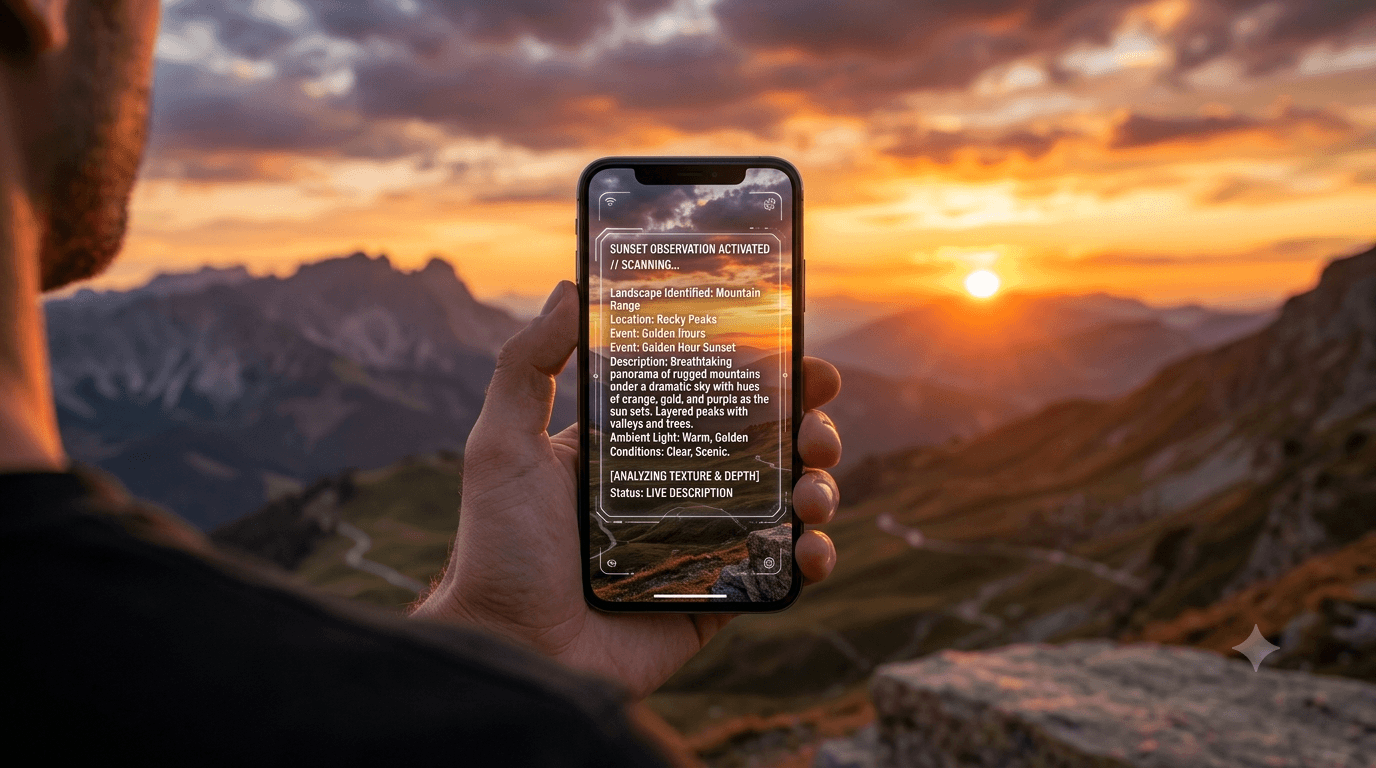
A street view, a balcony shot, a skyline, or a casual lunch photo may expose more than intended. For example, a background could reveal:
- a neighborhood
- a routine commute
- a favorite café
- a workplace entrance
- a hotel or temporary residence
- a school or family activity
For creators, founders, and businesses, this can become a brand or safety issue. For private individuals, it can become a personal security issue.
What makes photo location detection difficult
Not every image is a good candidate for accurate location analysis. Accuracy drops when the photo is:
- blurry
- heavily cropped
- over-filtered
- taken indoors with generic walls
- shot in a plain landscape
- stripped of context
- low resolution
In other words, the more unique the scene, the easier the inference. The more generic the scene, the less reliable the result.
That is why any strong location detection workflow should present results as a probability or ranked guess, not as absolute truth.
How to protect your privacy before posting photos
If you do not want a photo to reveal where it was taken, use this checklist before publishing:
- remove EXIF or location metadata
- crop out visible signs, plates, or badges
- blur identifying background details
- avoid posting in real time
- delay upload until after leaving the location
- review the image at full size, not only as a thumbnail
- consider whether the background gives away too much context
A photo can look generic to you and still be surprisingly revealing to a machine or a human observer.
How to use location detection responsibly
Photo location detection should be used for legitimate purposes:
- verifying image claims
- confirming travel or event context
- investigating misinformation
- organizing visual archives
- supporting reporting and research
It should not be used to harass, stalk, or expose private individuals. If your audience includes journalists, analysts, investigators, or privacy-conscious users, it helps to state that clearly on the page.
Where GeoSpy fits in your workflow
GeoSpy is best treated as a smart first pass, not a final verdict. Use it when you need a quick directional answer, then validate the result with external context.
A good process is:
- check the image manually
- analyze the strongest clues
- run the photo through GeoSpy
- compare the result with real-world context
- decide whether the match is credible
That workflow is fast, understandable, and useful for both casual users and professionals.
FAQ
Can a photo always reveal the exact location?
No. Some images contain strong clues, but many only allow a rough estimate or no reliable inference at all.
Does metadata always help?
No. Metadata may be missing, stripped, or inconsistent.
Is location detection the same as face recognition?
No. Location detection focuses on the scene, environment, and image signals rather than identifying a person.
How can I reduce the risk of location leaks?
Remove metadata, avoid real-time posting, and review backgrounds before sharing.
Final thoughts
Photo location detection is powerful because it turns ordinary images into searchable clues. That makes it useful, but it also makes privacy protection more important. If you understand what a photo can reveal, you can publish more safely and verify more intelligently.
If you want to test a photo, use the GeoSpy tool on the image first, then confirm the result with your own judgment and the context around the picture.
Explore more in our news coverage for related guides and updates.
Get in touch
Contact us for a personalized quote.