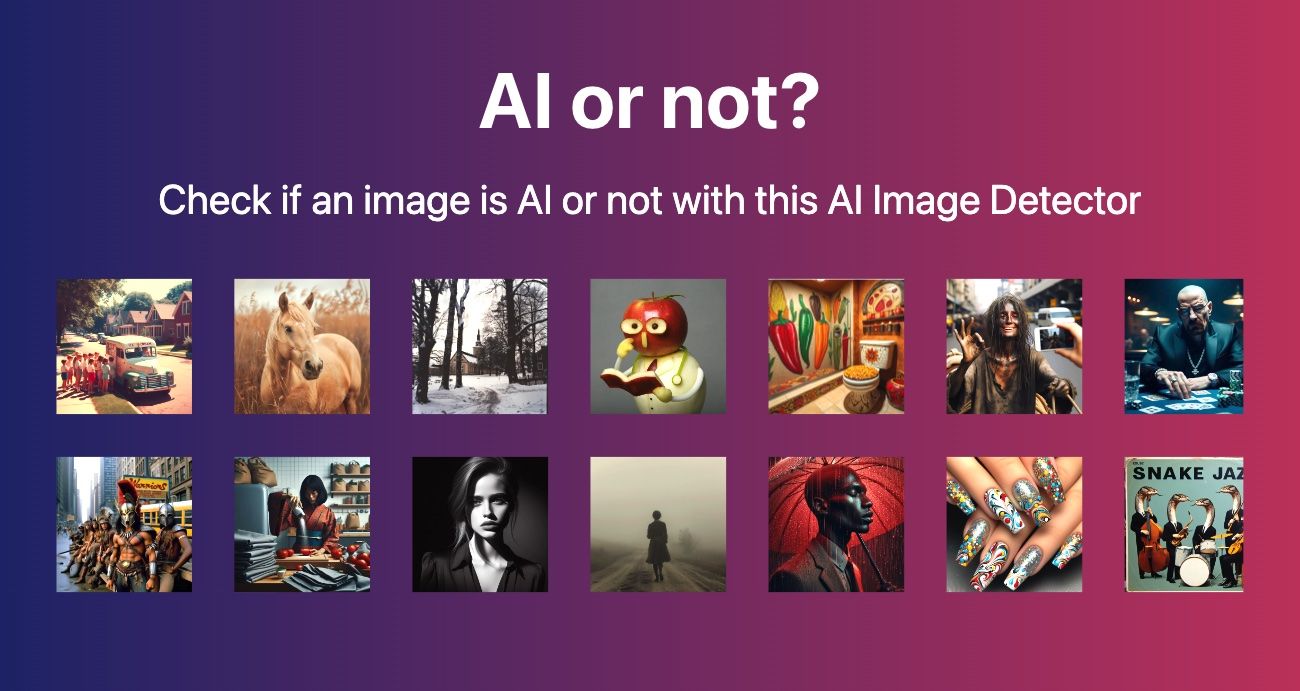
How to Tell If a Photo Is AI-Generated: 7 Methods
Around 2.5 million AI-generated images are created every single day, and roughly 1.2 billion of them are already floating around online. So when someone asks me how to tell if a photo is AI-generated, my honest answer is: you can't trust your gut alone anymore. The good news? Learning how to tell if a photo is AI-generated gives you a reliable answer in under a minute using a handful of checks that anyone can run, no technical skills required.
This is the exact process I use when a client sends me a suspicious product shot or a journalist forwards a viral image they can't verify. Let's walk through how to tell if a photo is AI-generated, step by step.
Key takeaways:
- The fastest way to tell if a photo is AI-generated is to run it through two or more AI image detectors and see if they agree.
- Manual clues still work: check textures, hands, text, jewelry, and shadow direction at 100% zoom.
- A reverse image search reveals whether the photo has a real source and history, or appears in suspiciously few places.
- Detectors aren't perfect. Instagram compression alone can drop a 90% AI score to 40%, so combine methods.
- Modern detection tools hit 90%+ accuracy on images from DALL-E, Midjourney, and Stable Diffusion.
Why Knowing How to Tell If a Photo Is AI-Generated Matters Now
If you sell on Shopify, a single AI-generated product photo passed off as a real item can trigger returns, chargebacks, and a suspended account. If you're a journalist, publishing one synthetic image as real can torch your credibility overnight. Knowing how to tell if a photo is AI-generated is what protects you in both cases.
The stakes are no longer abstract. Bad actors use AI-generated images for fraud, scams, and misinformation, which is exactly why detection platforms have exploded. The ability to detect AI images is now a basic literacy skill, not a niche technical one.
And here's the uncomfortable part: the models keep getting better. The obvious six-fingered hands are disappearing. That's why a layered approach to how to tell if a photo is AI-generated beats any single trick.
What Does AI-Generated Actually Mean?
An AI-generated image is a picture created from scratch by a generative model such as DALL-E, Midjourney, or Stable Diffusion, rather than captured by a camera. Instead of light hitting a sensor, the image is assembled pixel by pixel from patterns the model learned during training.
That difference leaves fingerprints. Real photos carry the natural chaos of the physical world: irregular skin texture, imperfect lighting, sensor noise. AI images tend to produce textures that look mathematically smooth and suspiciously uniform, as the reporter's guide from GIJN points out. Understanding those fingerprints is the foundation of how to tell if a photo is AI-generated.
There's also a separate category worth knowing: deepfakes, which manipulate a real photo (like swapping a face) rather than generating a whole scene. AI photo detection tools handle both, but they look for different signals.
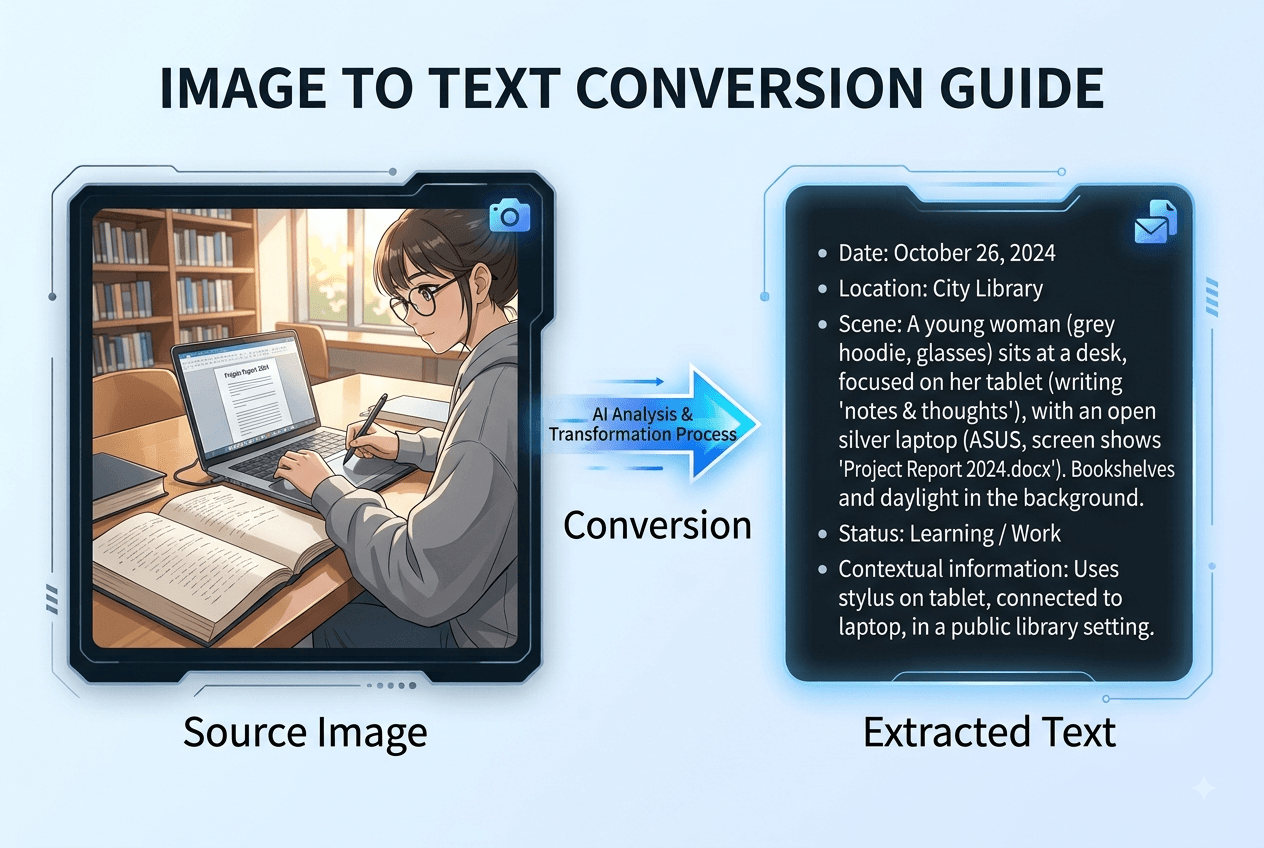
(Image: side-by-side comparison of a real photo and an AI-generated version showing texture differences - alt: 'how to tell if a photo is AI generated texture comparison')
7 Easy Methods to Spot AI Generated Images
Here's the practical checklist for how to tell if a photo is AI-generated. You don't need all seven every time, but the more that agree, the more confident you can be.
1. Zoom to 100% and Check the Textures
Zoom in on skin, hair, or sky. Real life has random, irregular detail. AI often renders skin that looks airbrushed and uncanny, too smooth to be true. When I audit suspicious portraits, over-perfect skin is my first red flag.
2. Inspect Hands, Teeth, and Jewelry
AI still struggles with fine repeated structures. Look for mismatched earrings, extra or fused fingers, warped teeth, and accessories that melt into skin. These small anomalies are classic giveaways.
3. Read Any Text in the Image
Signs, labels, and logos are a weak spot. AI frequently produces garbled, nonsensical text that looks like letters but spells nothing. If the words fall apart on close inspection, be suspicious.
4. Check Lighting and Shadow Consistency
Do the shadows all point the same way? Does the light source make sense? In the famous AI-generated Titanic example Britannica documented, the ship had the wrong number of masts and chimneys plus inconsistent light and shadow. Physics doesn't lie; AI sometimes forgets it.
5. Run a Reverse Image Search
Drop the image into a reverse image search. Real photos usually appear in multiple places with a traceable source. As the BBC notes, AI images tend to show up in far fewer places, and the search can lead you to the original context that confirms whether it's real.
6. Check the Metadata and Provenance Signals
Many generators now embed provenance data. OpenAI's Verify tool checks for C2PA metadata and SynthID watermarks to confirm an image came from its tools. Missing camera EXIF data isn't proof of AI, but present provenance signals can be strong confirmation.
7. Run It Through an AI Image Detector
Upload the image to a dedicated AI photo detector. These tools scan visual patterns and hidden mathematical signatures, then return a confidence score without needing watermarks. Running two detectors and looking for agreement is the single most reliable method on this list.
Where AI Photo Detection Trips Up (And How to Compensate)
Detectors are powerful, but they're not magic, and pretending otherwise gets people burned. Even the best method for how to tell if a photo is AI-generated has blind spots.
The biggest weakness is post-processing. Compression, cropping, and re-encoding through social platforms can wipe out the signals detectors rely on. As Walter Writes documented, an image that scores 90% AI on upload can drop to 40% after one round of Instagram compression. That's not a broken tool, that's the platform destroying the evidence.
So how do you compensate?
- Never rely on one detector. If two independent tools agree an image is AI, treat it as AI. If they disagree, escalate to forensic analysis.
- Combine automated and manual checks. A detector plus a reverse image search plus a texture check is far stronger than any one alone.
- Watch for false positives. Heavily edited real photos, HDR shots, and professional retouching can fool detectors into flagging genuine images. A photo shoot with pro lighting can look artificially smooth too.
Most people get this wrong by treating a single percentage score as a verdict. Treat it as one vote among several.
Your Next Step: A Quick Workflow to Detect AI Images
Here's the exact three-step routine I'd hand a brand manager or e-commerce seller who wants a fast, repeatable way to tell if a photo is AI-generated:
- Eyeball it. Zoom to 100% and scan textures, hands, text, and shadows. Thirty seconds.
- Run a detector. Upload to an AI image detector for a confidence score, then confirm with a second one.
- Verify the source. Do a reverse image search to see where the image lives and whether it has a real history.
If all three line up, you have your answer. If they conflict, you've found a case worth deeper forensic checks before you publish, buy, or share.
Start with step two right now, because it's the fastest and it grounds everything else.
FAQ
Can AI Image Detectors Be 100% Accurate?
No. The best tools reach over 90% accuracy on modern generators like DALL-E, Midjourney, and Stable Diffusion, but compression and editing lower that. When you're figuring out how to tell if a photo is AI-generated, always cross-check with a second detector and manual clues.
What's the Fastest Way to Spot AI Generated Images?
Upload the image to an AI photo detector for an instant confidence score, then confirm the result with a reverse image search. Two agreeing signals give you a fast, trustworthy answer in under a minute, which is the simplest way to tell if a photo is AI-generated.
Does Missing Metadata Mean a Photo Is AI-Generated?
Not necessarily. Social platforms strip metadata from real photos all the time. Missing EXIF data is a hint, not proof, so weigh it alongside detector scores and visual anomalies when you decide how to tell if a photo is AI-generated.
Can Editing a Real Photo Make It Look AI-Generated to Detectors?
Yes. Heavy retouching, HDR processing, and aggressive filters can trigger false positives. That's why combining AI photo detection with human inspection matters, especially for professionally shot images.
Verify Any Image in Seconds, Free
You now know the 7 checks that expose AI-generated photos. Run any image through AIorNot for a 90%+ accurate result in seconds, with no login and your images never stored by default.