Can AI Describe Image to Text? How AI Image Describers Work in 2026
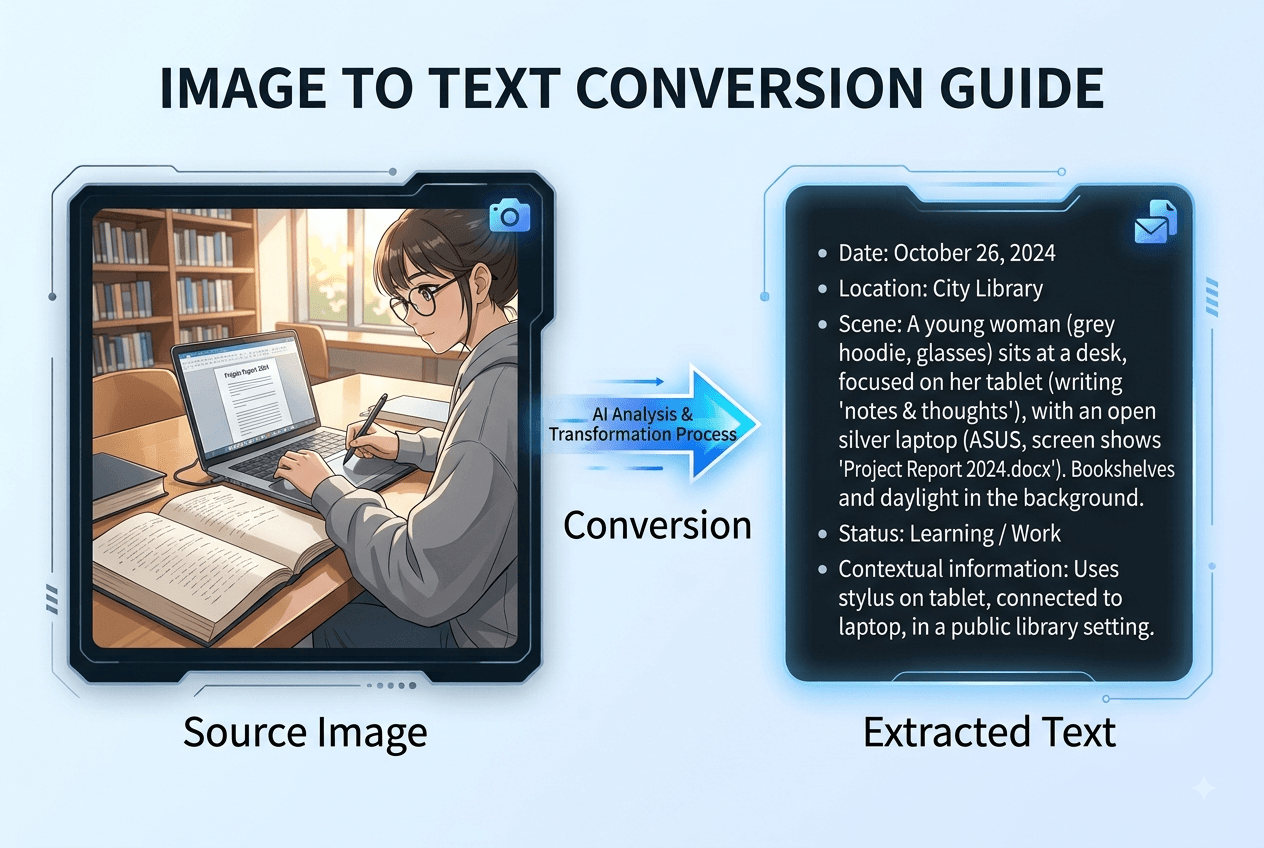
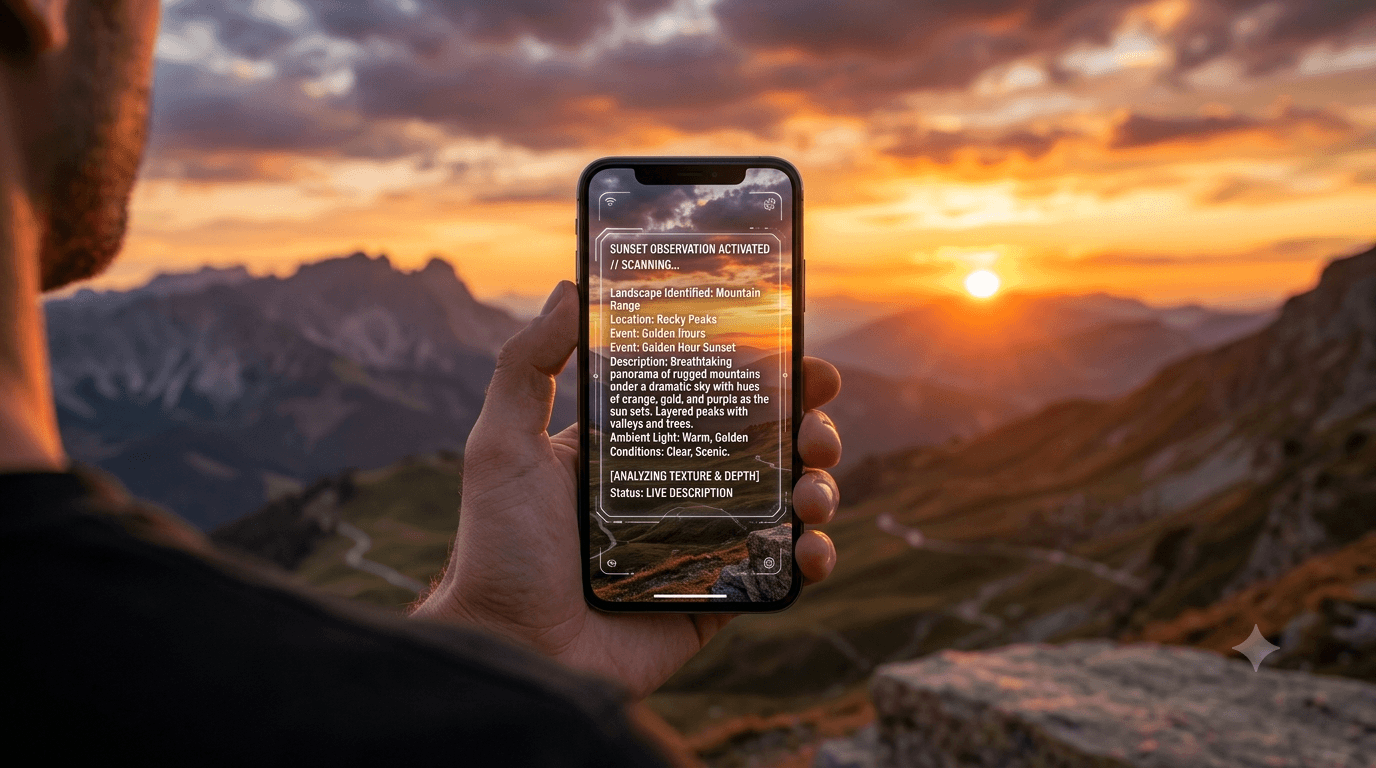
Yes — AI can describe image to text with remarkable accuracy in 2026. Upload a photo to an AI image describer, and within seconds you'll receive a detailed text description covering objects, people, scenes, colors, lighting, and even text visible inside the image.
But how does it actually work? How accurate is it? And which tool should you use?
This guide breaks down everything you need to know about AI-powered image-to-text technology — from the underlying technology to practical use cases to a step-by-step walkthrough you can try right now for free.
What Does "Describe Image to Text" Actually Mean?
"Describe image to text" refers to the process of using artificial intelligence to analyze a visual image and generate a written description of what's in it. Unlike simple OCR (optical character recognition), which only extracts readable text from images, a full image-to-text AI description covers:
- Objects and subjects: What physical items, people, or animals are present
- Scene and setting: Where the image takes place — indoors, outdoors, urban, natural
- Colors and lighting: Dominant color palette, light direction, time of day
- Composition: How elements are arranged, camera angle, depth of field
- Mood and atmosphere: The emotional tone conveyed by the image
- Visible text: Any text rendered within the image itself (signs, labels, documents)
Think of it as having an expert art critic, accessibility consultant, and content writer analyze your picture simultaneously — all in under five seconds.
The Image Describer tool does exactly this. You upload an image, choose how detailed you want the output, and receive a natural-language description you can use for alt text, social media captions, product listings, or documentation.
How AI Image Describers Work: The Technology Behind It
When you ask AI to describe an image to text, several sophisticated technologies work together under the hood.
Step 1: Visual Feature Extraction
The AI model — typically a vision-language model like GPT-4o, Gemini Vision, or a custom multimodal architecture — first processes the image through a convolutional neural network (CNN) or vision transformer (ViT). This network identifies:
- Edges, shapes, and textures at the pixel level
- Object boundaries and spatial relationships
- Color distributions and lighting patterns
- Facial features and human attributes (when present)
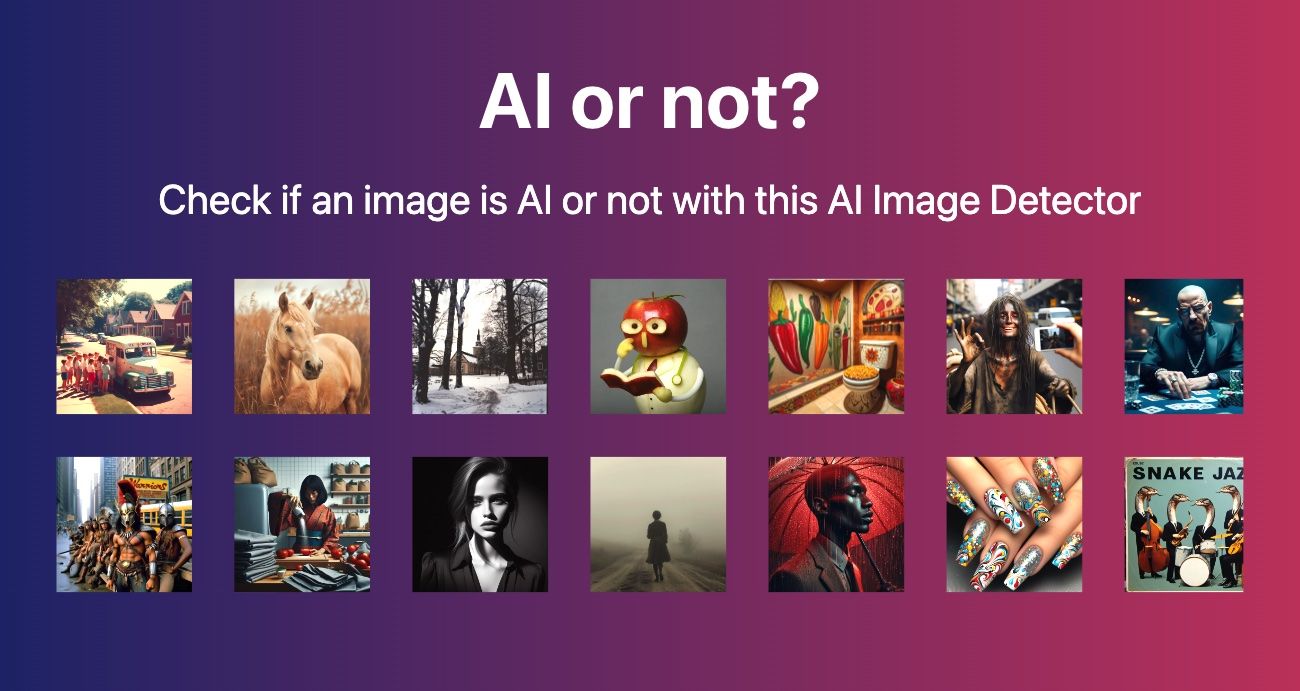
This is the same type of visual analysis that powers our AIorNot detection tool, but instead of classifying "AI vs. human-made," it extracts a rich feature map describing what's in the image.
Step 2: Scene Understanding
The extracted features are then passed to a language model that has been trained on millions of image-description pairs. This model:
- Maps visual features to semantic concepts (e.g., "curved metal shape" → "stainless steel watch")
- Understands spatial relationships ("the watch is on the left, the phone is behind it")
- Recognizes context ("this appears to be a product photography setup")
Step 3: Natural Language Generation
Finally, the model generates human-readable text from its understanding. The output quality depends on:
- The model's training data: More diverse training = better descriptions across image types
- The output mode: Quick summaries are simpler; detailed descriptions require deeper analysis
- The image quality: Clear, high-resolution images produce more accurate descriptions
When you use the Image Describer, you can choose between three output modes — Quick (one sentence), Standard (3-5 sentences), and Detailed (technical breakdown) — to match the level of detail you need.
What Can AI Image-to-Text Do? 6 Practical Use Cases
Based on an analysis of Google and YouTube search results for "describe image to text," here are the most common real-world use cases people are searching for:
1. Accessibility — Alt Text Generation
The #1 use case for image-to-text AI is generating alt text for websites. WCAG (Web Content Accessibility Guidelines) requires text alternatives for all non-decorative images. Yet millions of websites have missing, generic, or unhelpful alt attributes.
AI image describers solve this at scale. Upload an image, select the Quick or Standard mode in the Image Describer, and you get a screen-reader-ready description in seconds. Not just "photo of a dog" — but "a golden retriever catching a frisbee in a sunlit park with two children in the background."
This matters: approximately 285 million people worldwide live with visual impairments who rely on screen readers. Proper alt text isn't just SEO — it's basic digital accessibility.
2. SEO — Image Search Optimization
Google can't "see" images the way humans do. It relies on alt text, file names, and surrounding context to understand what an image depicts. When you describe image to text and use that description as your alt attribute, you:
- Improve your chances of appearing in Google Image Search
- Help search engines understand your page content
- Provide context that boosts overall page relevance signals
For e-commerce sites with hundreds of product images, manually writing unique alt text for each one is impractical. AI image description makes it feasible to optimize every image — a task that would otherwise take days.
3. E-Commerce — Product Descriptions at Scale
Online sellers often have product photos but struggle with writing consistent, detailed descriptions. An AI image describer can:
- Generate a first-draft product description from a product photo
- Identify colors, materials, and design features automatically
- Produce consistent formatting across an entire catalog
The Detailed mode in our Image Describer tool outputs comprehensive descriptions covering object positions, materials, and visible text — ideal for product listing optimization.
4. Social Media — Caption Generation
Content creators and social media managers use AI to describe image to text and generate ready-to-post captions. The Quick mode produces a single-sentence caption perfect for Instagram, X, or a newsletter preview.
For a deeper workflow, you can also use the Image Content Analyzer alongside the describer to extract metadata and content details for more strategic caption writing.
5. Education — Accessible Learning Materials
Teachers and instructional designers need to make learning materials accessible to all students. AI image describers help by:
- Generating descriptions for textbook illustrations
- Creating alt text for educational diagrams and charts
- Providing verbal descriptions of visual content for audio-based learning
6. Content Creation — AI Prompt Reverse Engineering
A growing use case: using image-to-text AI to generate prompts for image generation. If you see an image style you like, you can describe it to text, then feed that description into Midjourney, DALL·E, or Stable Diffusion to recreate similar visuals. This "image to prompt" workflow is increasingly popular among digital artists and designers.
AI Describe Image to Text: How Accurate Is It?
Based on testing across multiple tools and our own Image Describer, here's an honest assessment of accuracy:
What AI Describes Well
- Clear product photos on plain backgrounds: 95%+ accuracy
- Outdoor scenes with distinct subjects: 90%+ accuracy
- Portraits with visible facial features: 88%+ accuracy
- Text within images (signs, labels, documents): 85%+ accuracy (approaching OCR-level performance)
- Color identification: 92%+ accuracy on dominant colors
Where AI Struggles
- Crowded, complex scenes: May miss small or distant objects
- Abstract art: Subjective interpretation varies — descriptions may not match artistic intent
- Cultural context: AI may miss culturally specific meanings or symbolism
- Heavy image compression: Social media compression degrades analysis accuracy
- Charts and data visualizations: Can describe visual elements but may misinterpret data relationships
The honest takeaway: AI image-to-text technology is excellent for practical use cases — alt text, product descriptions, captions, and general scene understanding. For high-stakes applications where precision is critical (medical imaging, legal evidence), human review remains essential.
How to Describe Image to Text: Step-by-Step Guide
Here's how to use the Image Describer at aiimagechecker.net — it takes less than 10 seconds:
Step 1: Upload Your Image
Go to aiimagechecker.net/imagedescriber and either:
- Drag and drop your image into the upload zone
- Click "Browse Files" to select from your device
- Paste an image URL for analysis without uploading
Supported formats: JPEG, PNG, WebP (up to 8MB)
Step 2: Choose Your Output Mode
Select from three description styles:
Step 3: Get Your Description
The AI analyzes your image in under 2 seconds for most photos. The description appears instantly, and you can switch between modes without re-uploading.
Step 4: Copy and Use
- Copy to clipboard for immediate use
- Download as a .txt file for your records
- Paste directly into your CMS alt text field, social media post, or product description
Privacy note: Your image is processed and immediately discarded — never stored on servers. This is critical for sensitive images, unpublished content, or personal photos.
What to Look for in an AI Image Describer
Not all image-to-text tools are created equal. Based on our analysis of the competitive landscape, here's what separates a good AI image describer from a mediocre one:
1. Multiple Output Modes
The best tools offer at least 2-3 detail levels. If a tool only generates one type of description, you'll waste time editing it for different contexts. The Image Describer offers Quick, Standard, and Detailed modes — covering everything from alt text to technical documentation.
2. Multi-Language Support
If your audience isn't English-only, you need a describer that outputs in multiple languages. Look for tools supporting at least 5-10 languages.
3. Privacy and Data Handling
Many free tools store your uploaded images or use them for model training. Always check the privacy policy. The Image Describer at aiimagechecker.net uses a zero-storage policy — images are processed and immediately discarded.
4. Text-in-Image Recognition
Some image describers only describe visual elements. The best ones also read and transcribe text visible within the image — essential for signs, documents, product labels, and screenshots. This is similar to the text extraction capability in our Image Content Analyzer.
5. No Account Required for Basic Use
The friction of creating an account, verifying email, and setting up a password kills productivity. Look for tools that work instantly — upload, describe, copy.
6. Speed
Descriptions should generate in under 5 seconds for standard images. If you're waiting 15+ seconds, the tool is either overloaded or using an inefficient model.
Common Questions About AI Image-to-Text
Can AI read text inside images?
Yes. Modern AI image describers use a combination of visual analysis and OCR-like capabilities to read and transcribe text visible within images. This includes signs, labels, documents, and even handwriting (with reduced accuracy). The Image Describer transcribes visible text as part of its Standard and Detailed output modes.
Is AI image description the same as OCR?
No. OCR (optical character recognition) only extracts readable text from images. AI image description goes further — it understands objects, scenes, people, colors, composition, and context, then describes all of it in natural language. OCR is one component of a full image describer, not the whole system.
Can AI describe images for visually impaired users?
Yes — this is one of the primary use cases. AI-generated descriptions serve as alt text for screen readers, helping visually impaired users understand image content. For WCAG compliance, descriptions should be concise (125 characters or less for alt attributes) while conveying the essential information.
How is this different from the AIorNot tool?
AIorNot detects whether an image is AI-generated or human-made. The Image Describer describes what's in an image. They serve complementary purposes — use AIorNot to verify image authenticity, and the Image Describer to generate text descriptions. You can learn more about AI detection in our complete guide to detecting AI-generated images.
Try It Now: Describe Any Image to Text for Free
Upload any image (JPEG, PNG, WebP — up to 8MB) Choose Quick, Standard, or Detailed mode Get your text description in seconds Copy and use it anywhere — no attribution required